How to Host a Website on Google Cloud Storage Bucket
 •
Hosting
•
2 min read
•
Hosting
•
2 min read
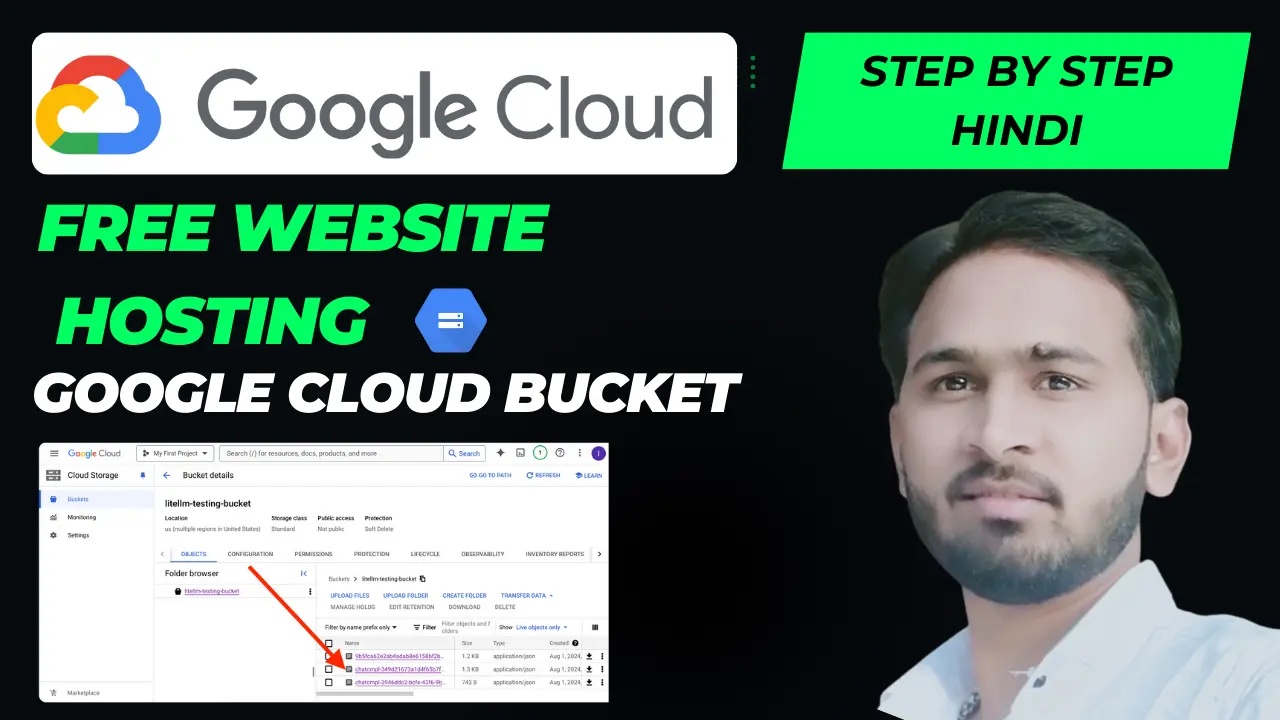
Summary: Learn how to host a static website on Google Cloud Storage (GCS). Step-by-step developer guide to setting up buckets, configuring custom domains, and enabling SSL.
Table of Contents
What is Google Cloud Storage Bucket?
Google Cloud Storage is a RESTful online file storage service for storing and accessing data on Google's infrastructure. In addition to general object storage, it offers a robust, built-in feature allowing you to configure a bucket to host a static website. Since there is no physical or virtual server to manage, static website hosting on a GCS bucket is highly secure, fast, and maintenance-free.
Creating a Google Cloud Account
To get started, you will need a Google Cloud Platform (GCP) account. Google offers free credits to new users, which allows you to try GCS website hosting without any upfront costs. After logging into the Google Cloud Console, the first step is to create a new project dedicated to your website hosting setup.
Setting Up a Storage Bucket
Inside the Google Cloud console, navigate to the Cloud Storage browser and create a new bucket. If you plan to connect a custom domain, ensure the bucket name matches your domain name exactly (e.g., www.example.com). Choose the appropriate geographic storage location closest to your audience, select the Standard storage class for optimal website speed, and complete the creation process.
Uploading Website Files
Once your bucket is ready, you can upload all your static files (such as index.html, 404.html, CSS stylesheets, JavaScript files, and your images directory). You can upload files directly through the Cloud Console UI or use Google Cloud SDK's command-line utility:
# Sync local website folder recursively to GCS bucket
gsutil rsync -R ./my-static-site gs://www.example.com
Making the Bucket a Website
To tell Google Cloud to treat the bucket like a website, select the bucket configurations and set the main index page (usually index.html) and the error page (like 404.html). Additionally, you must grant public read permissions (such as assigning the allUsers principal to the Storage Object Viewer role) so that visitors can view your site files in their web browsers.
Connecting a Custom Domain
To use a custom domain instead of the default Google storage domain, you must verify your domain ownership inside Google Search Console. Once verified, configure a CNAME record in your domain registrar's DNS settings pointing your domain to Google's storage endpoint: c.storage.googleapis.com.
Cost and Billing Overview
Google Cloud Storage is highly cost-effective for static hosting. You are billed only for the actual storage space your files consume and the data transfer egress (bandwidth used to serve files to users). For low to medium-traffic websites, the hosting bill is often less than a dollar per month. Set up billing alerts to monitor and control budget limits.
Final Thoughts
Hosting a static website on a Google Cloud Storage Bucket is a practical, enterprise-grade solution for developers and beginners alike. It guarantees speed, reliability, and automated scaling to handle massive traffic spikes with near-zero administrative overhead.